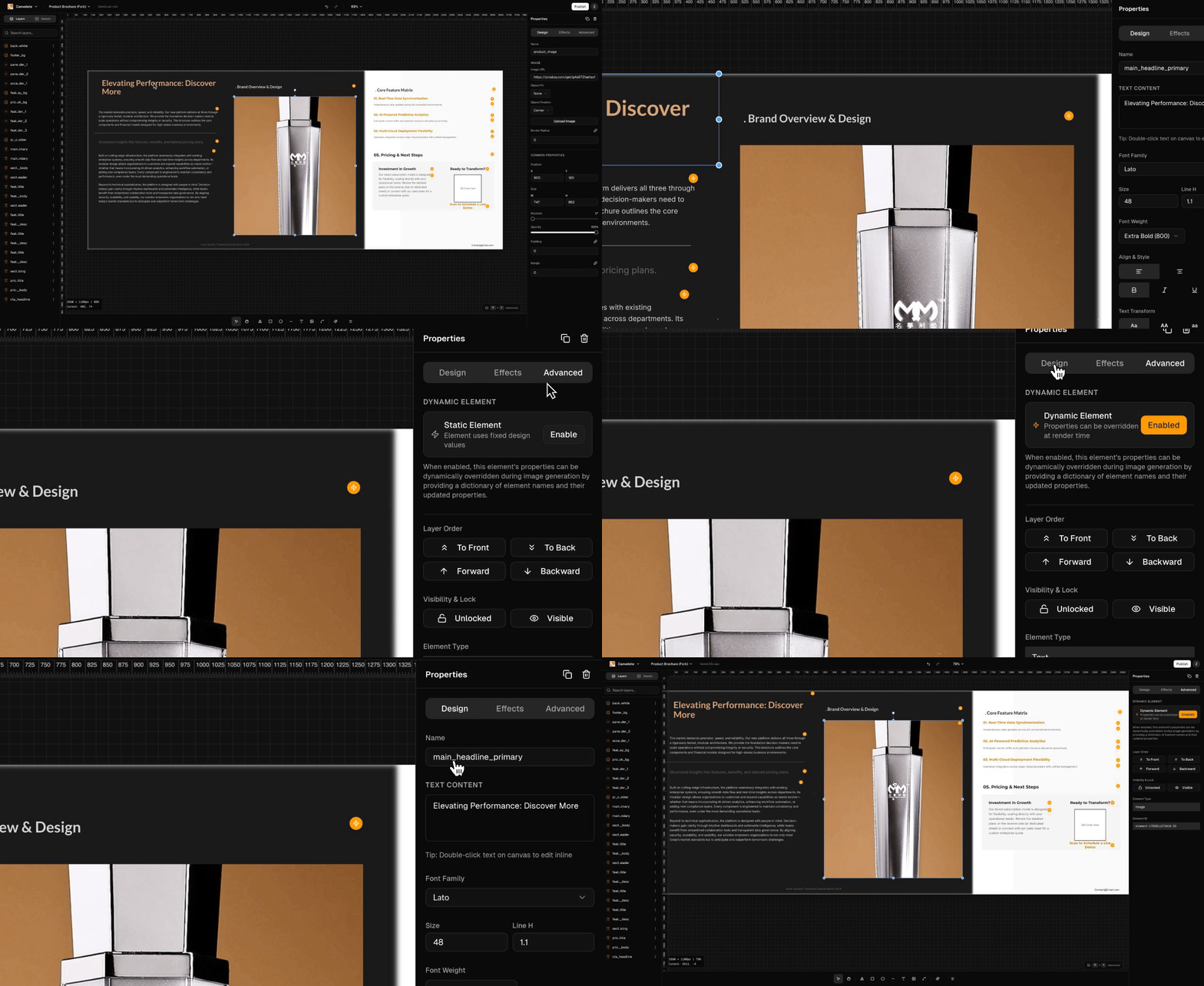
Features
Professional tools, simplified
Drag & Drop
Place elements anywhere on canvas
Real-time Preview
See changes instantly
Typography
1000+ Google Fonts
Layers
Organize with layer controls
Dynamic Elements
Auto-fill placeholders
Shapes
Hundreds of shapes & icons
Image Tools
Crop, filter, adjust
Smart Guides
Snap-to-grid alignment
History
Unlimited undo/redo
Export
PNG, JPG, PDF, SVG
Element Types
Everything you need to create any design.
Text
Headings, paragraphs, labels
Images
Photos, logos, backgrounds
Shapes
Rectangles, circles, polygons
Icons
10,000+ vector icons
QR Codes
Dynamic QR generation
Barcodes
Multiple formats
Tables
Data tables with styling
Lines
Dividers and connectors
Dynamic Elements
Mark elements as dynamic for API automation.
Dynamic placeholders
{{name}}→John Doe{{date}}→January 14, 2026{{qr_url}}→[QR Code]